

How to Create and Manage Your OpenAI API Key
To get or manage your API keys, go to the OpenAI API Keys page.
Step 1: Sign Up or Log In
If you’re not yet registered on the OpenAI Platform, click the “Sign Up” button:
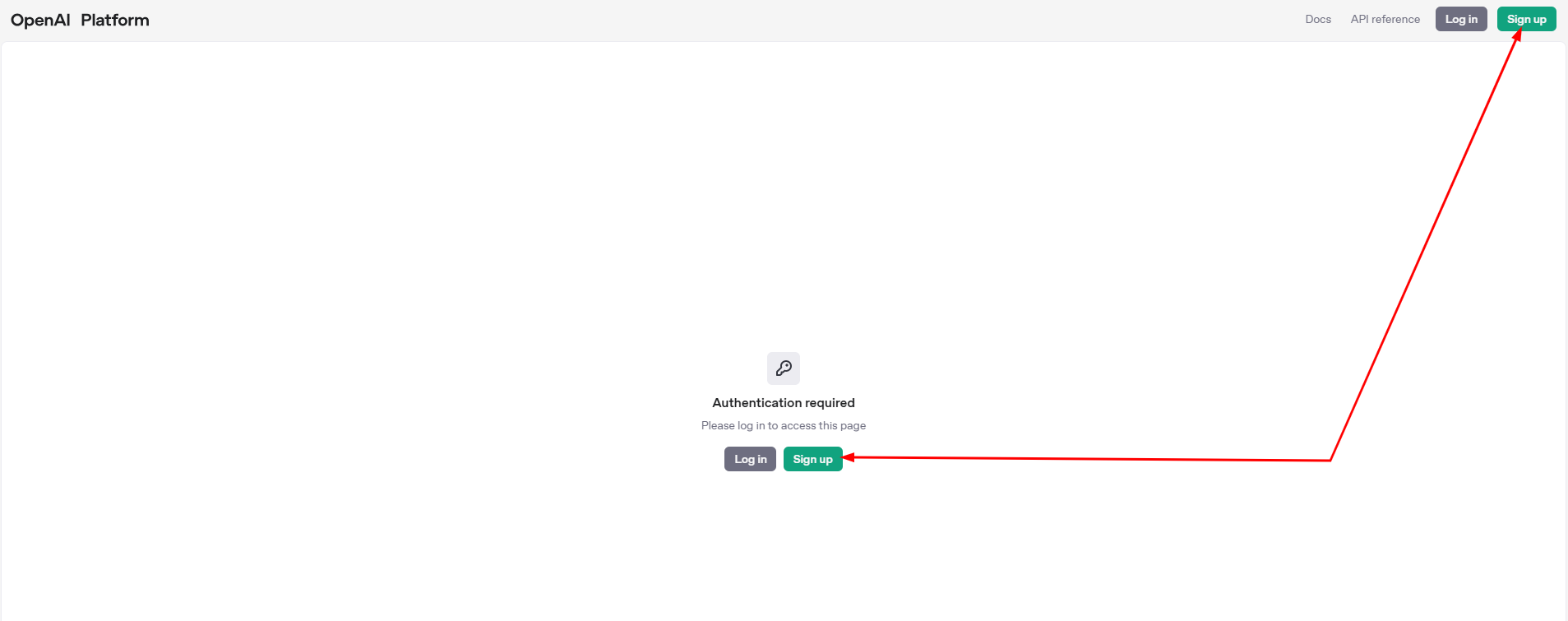
Complete the registration form and create your organization to start using the OpenAI Platform:

Step 2: Create Your API Key
After registering, you can create your first API key immediately or do it later. Click “Create new secret key” on the API Keys page:

Enter a descriptive name for your key, then click Create. The system will generate a unique API key for your account:
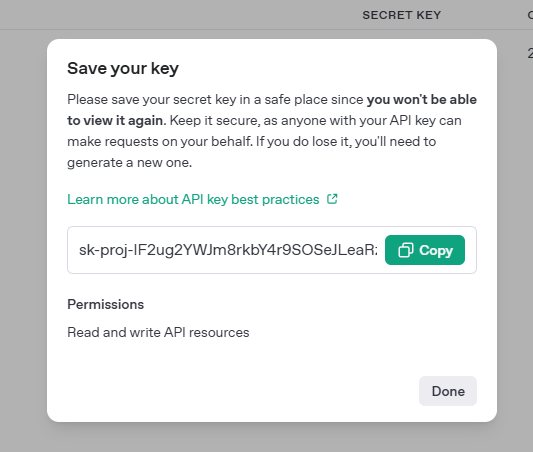
Step 3: Add API Credits
You can add credits to your account now or later when needed:
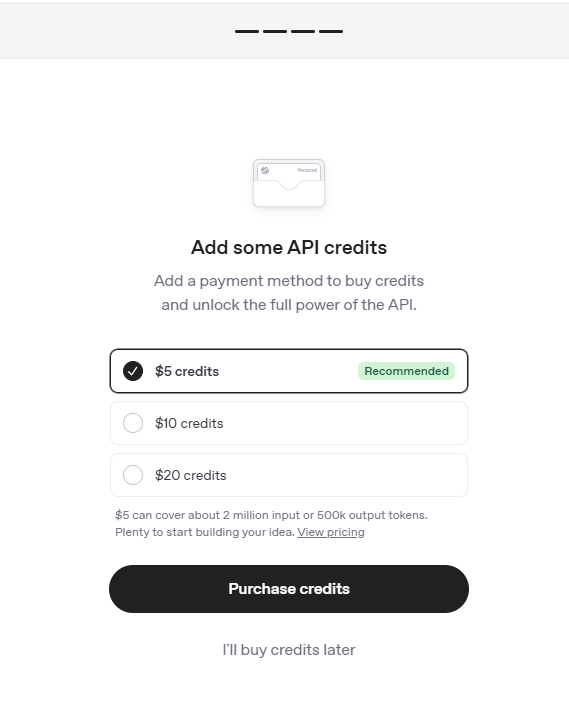
Step 4: Manage Your Keys
To view or manage your keys at any time, navigate to your Dashboard → API Keys section:
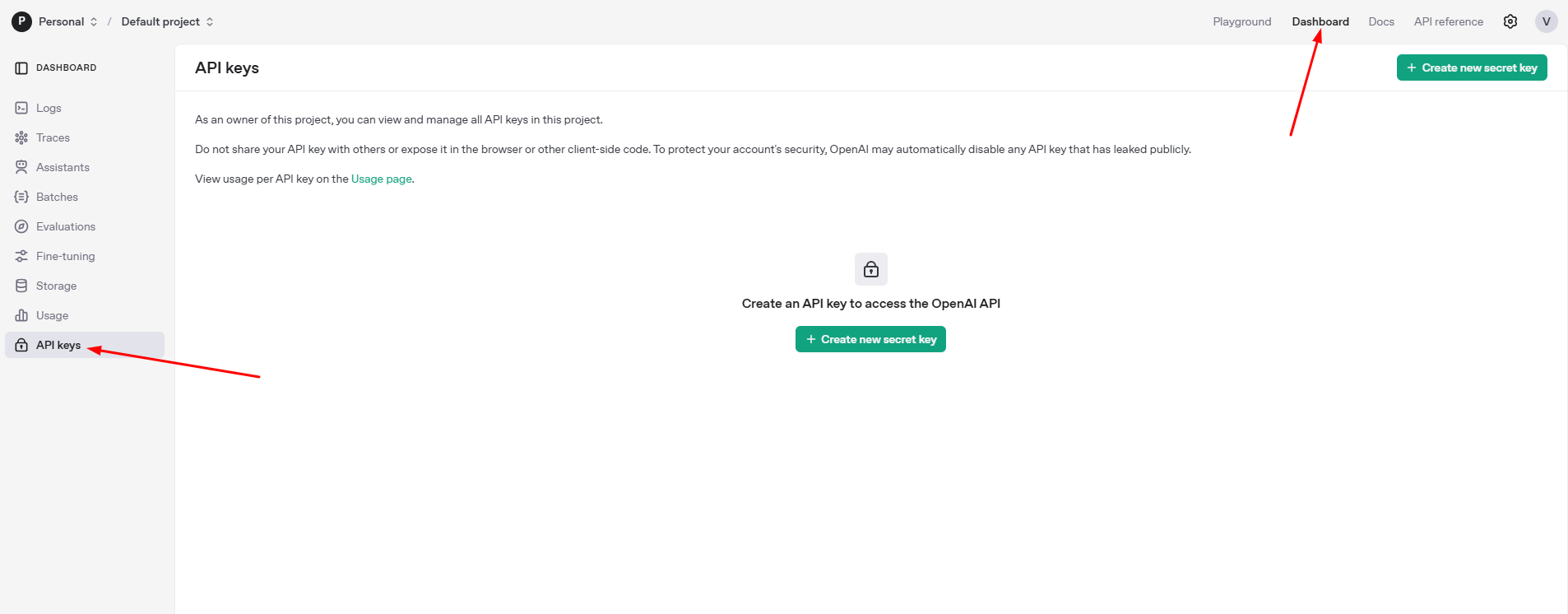
Important Security Notice
Never share your API key with others or expose it in client-side code (e.g., JavaScript running in a browser). If an API key is exposed publicly, OpenAI may automatically disable it for security reasons.
