
Documentation section
Saved Templates: Upload, Download & Duplicate
The Products Sync Master service for Shopify allows you to download or upload import/export configure templates.
This is useful if you need to share settings files with colleagues or save a settings file for future use.
How to Upload a Settings File
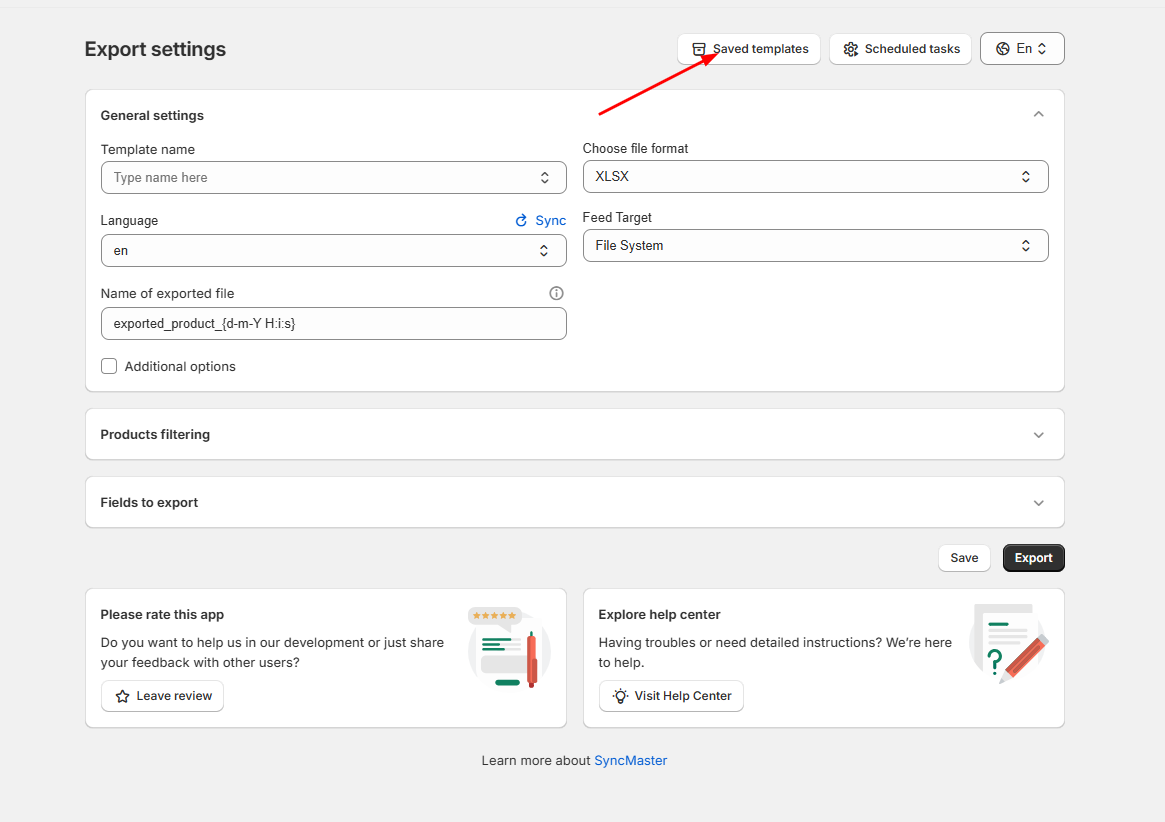
- Open the «Saved Templates» section.
- Click the «Upload Template» button.
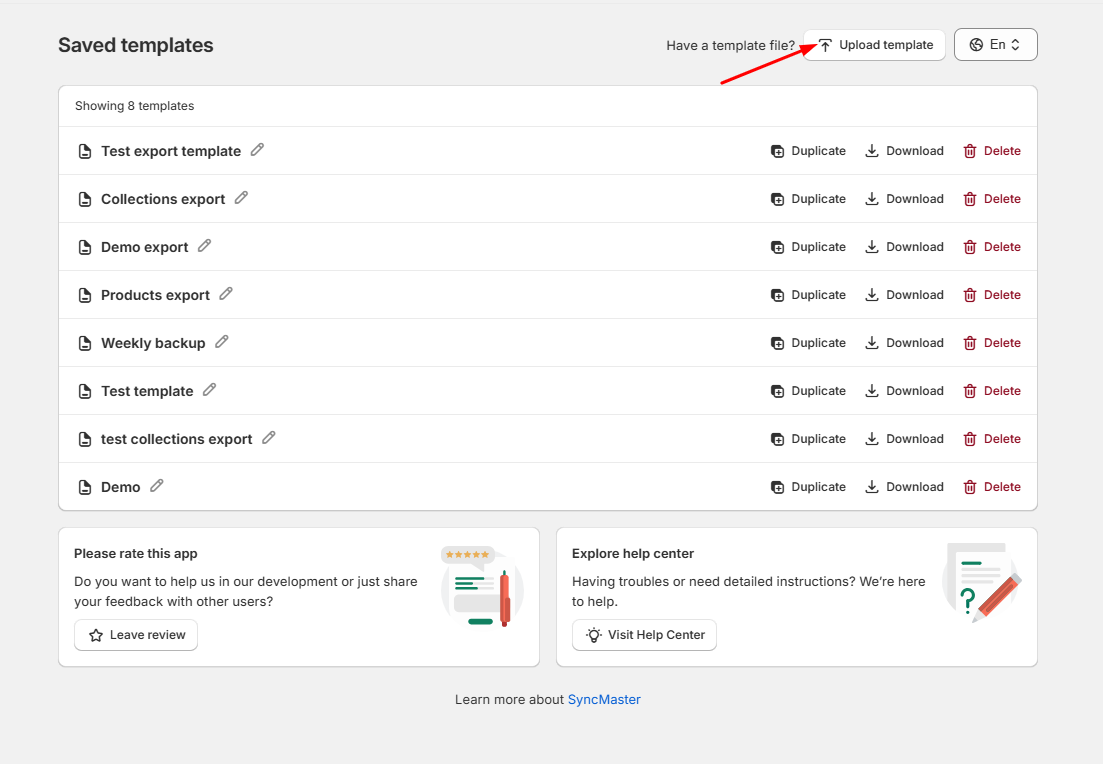
- After uploading, click on the option to edit it or to start the import process.
If you want to download a previously saved option, click the download button:
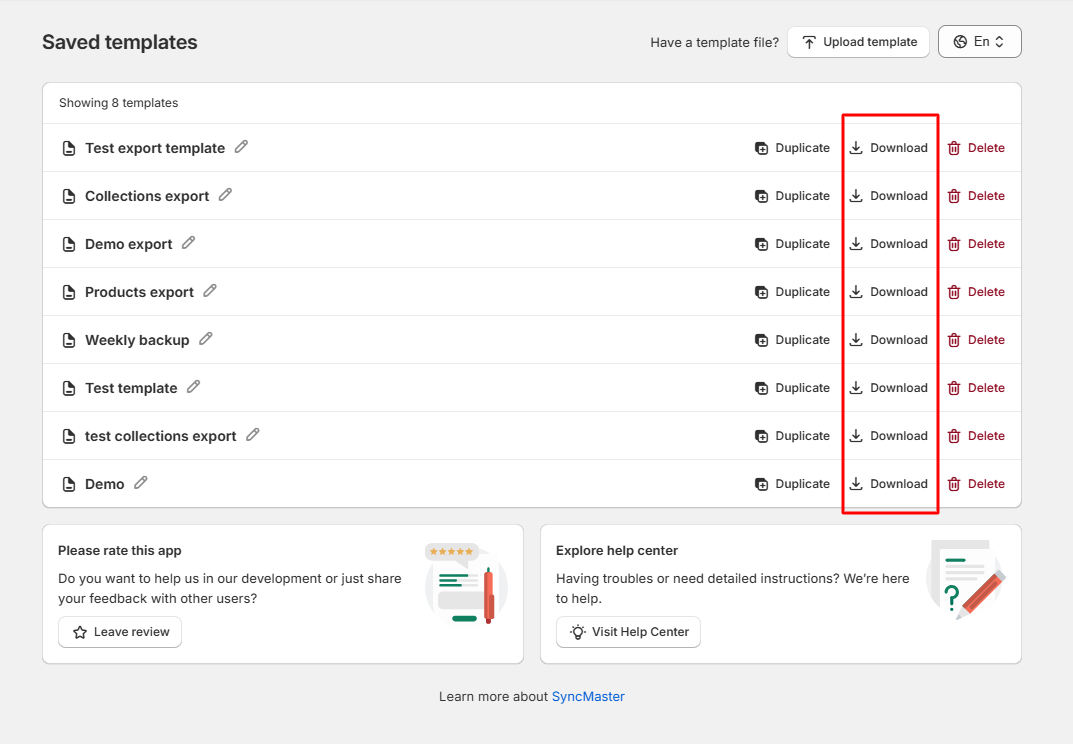
The system will prepare the file for you to use later.
Duplicate a Saved Option
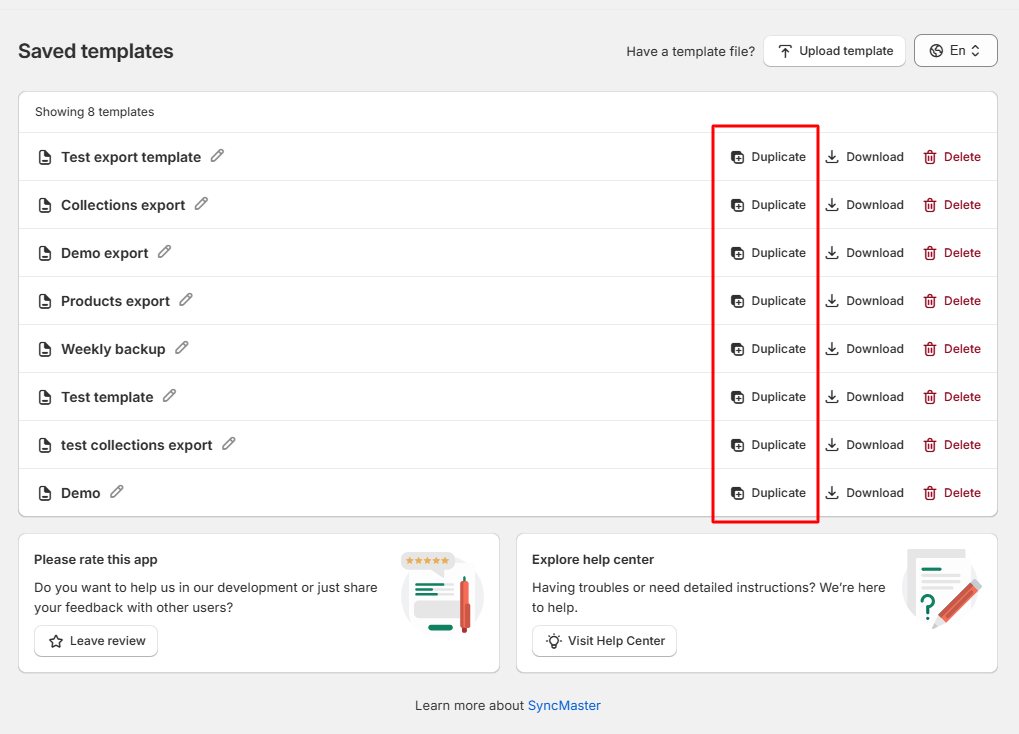
You can also duplicate your saved option when needed: